Scene Scripting for Connected Lights
Bardolph lets you control
LIFX
light bulbs through a small scripting language. It is targeted at people who
would like to control or experiment with their lights in a programmatic way
with minimal code.
Code:
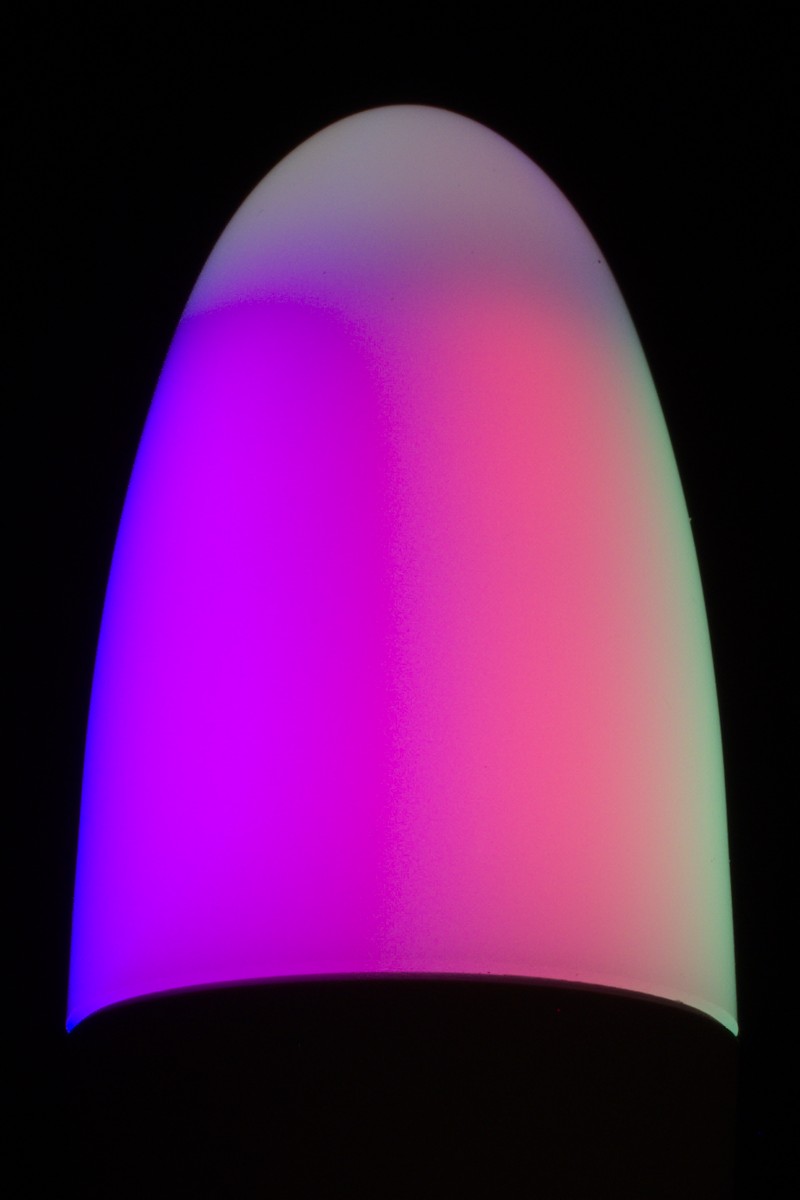
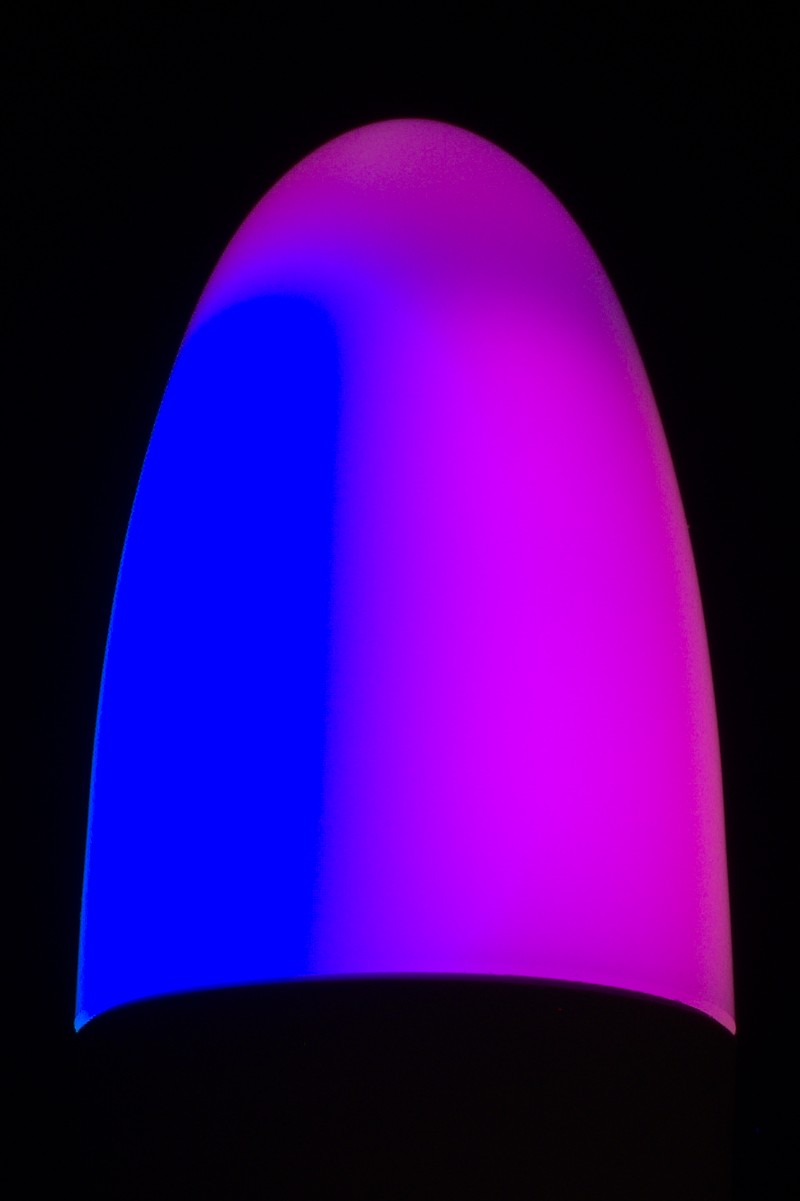
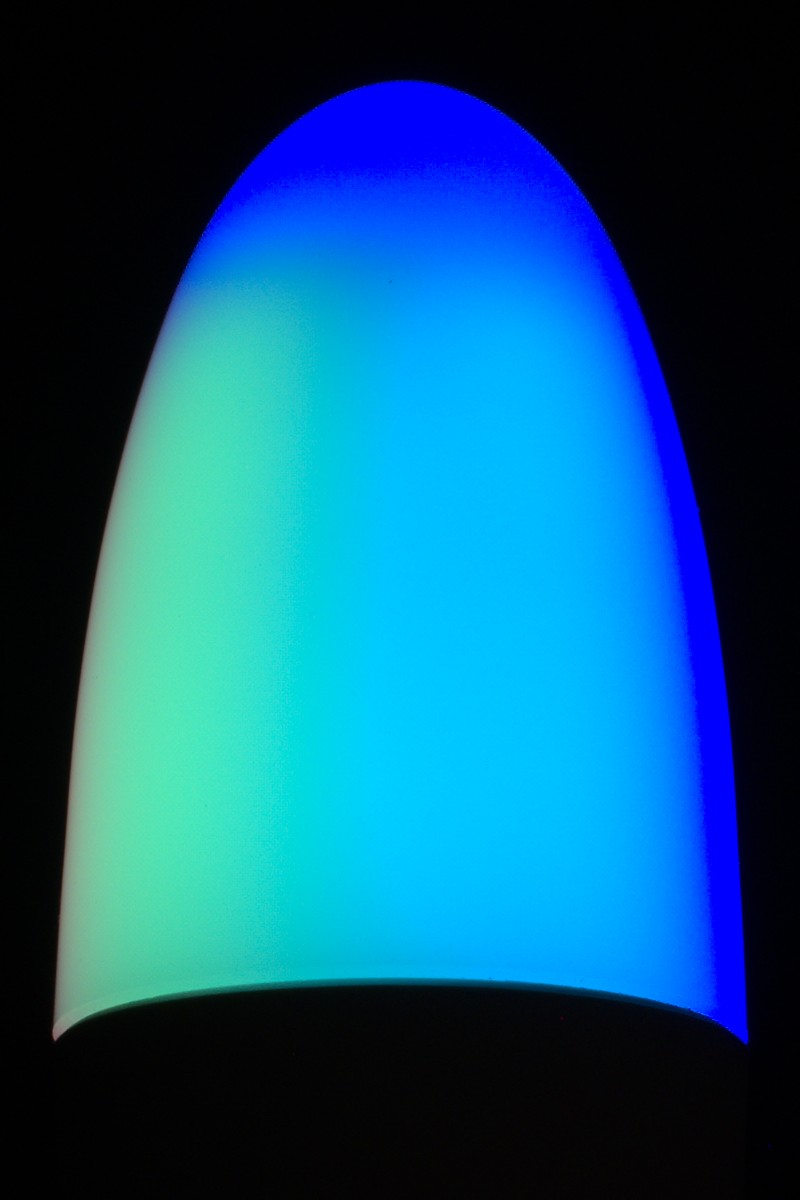
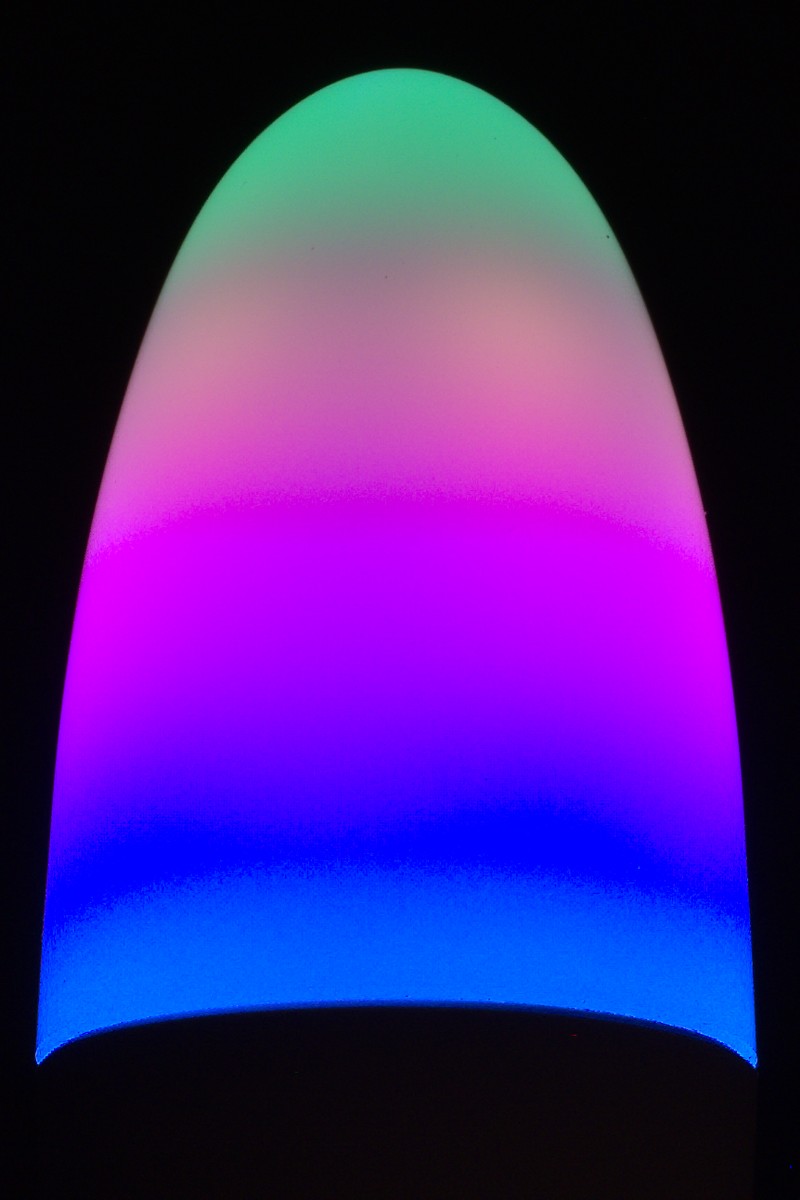
saturation 100 brightness 20 repeat 12 with
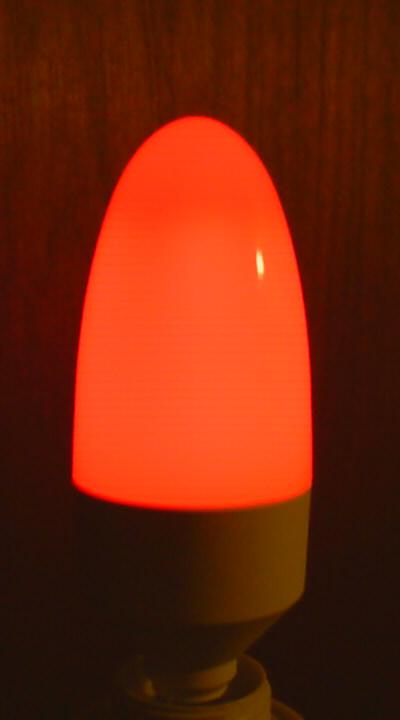
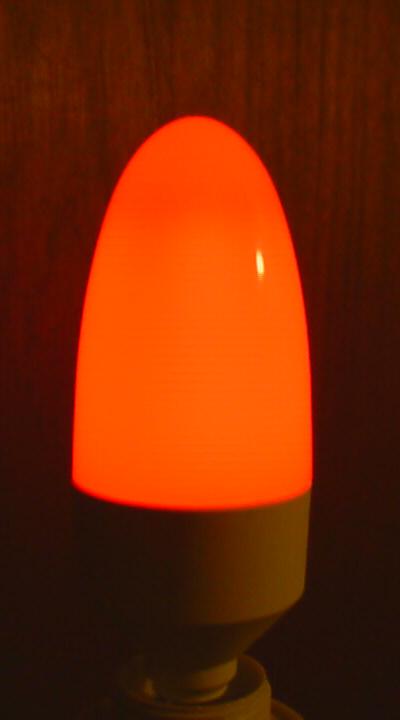
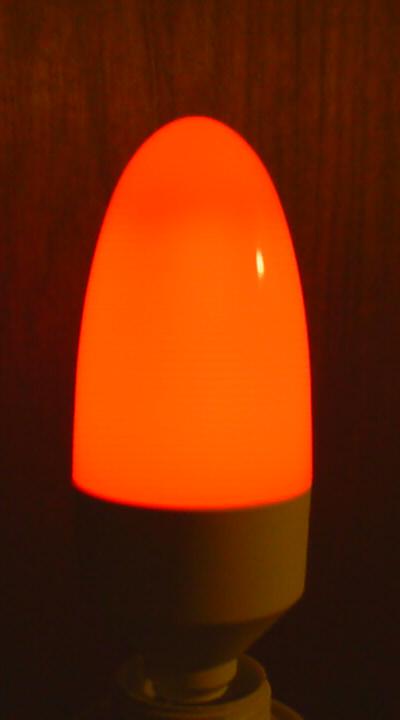
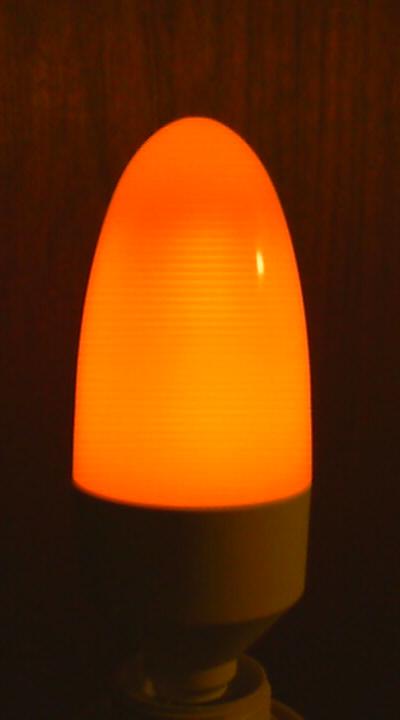
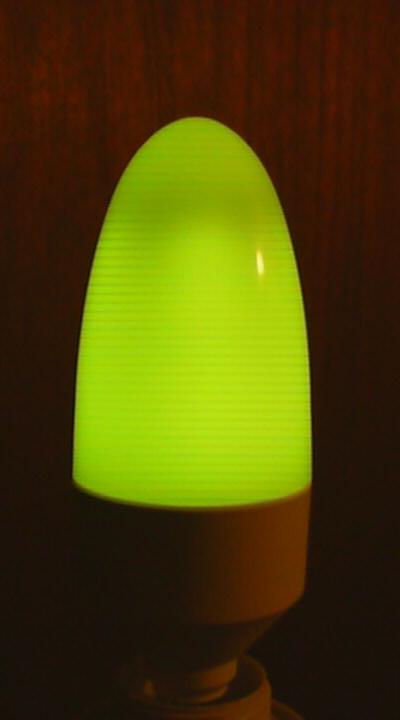
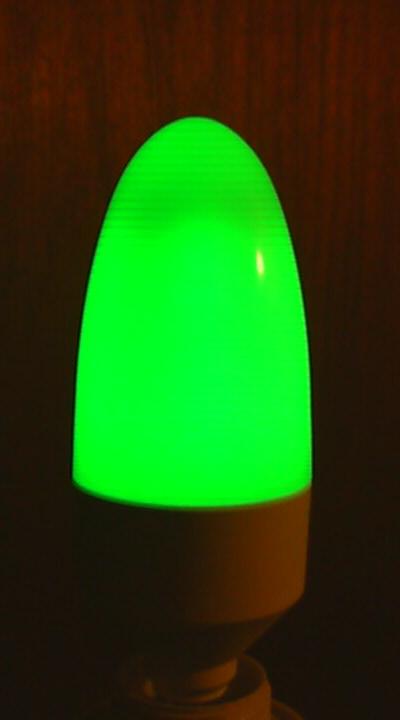
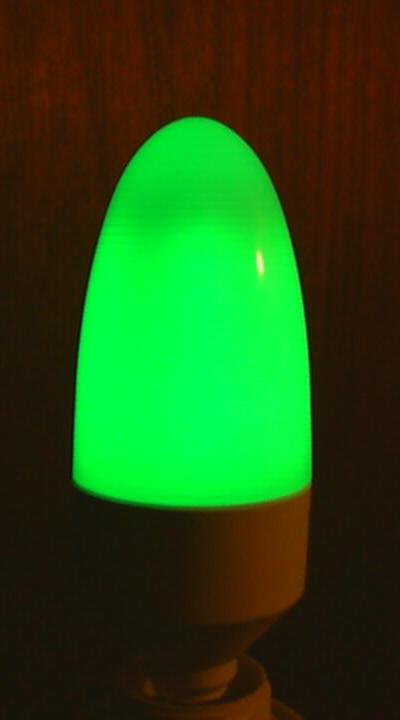
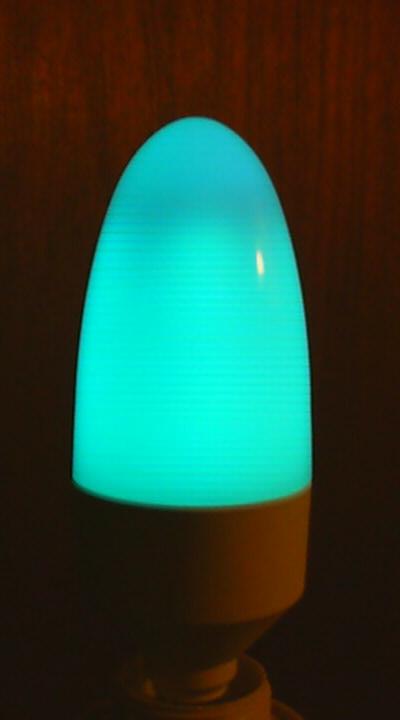
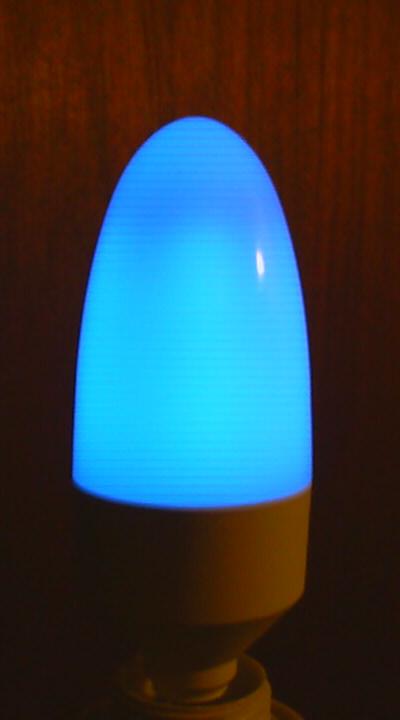
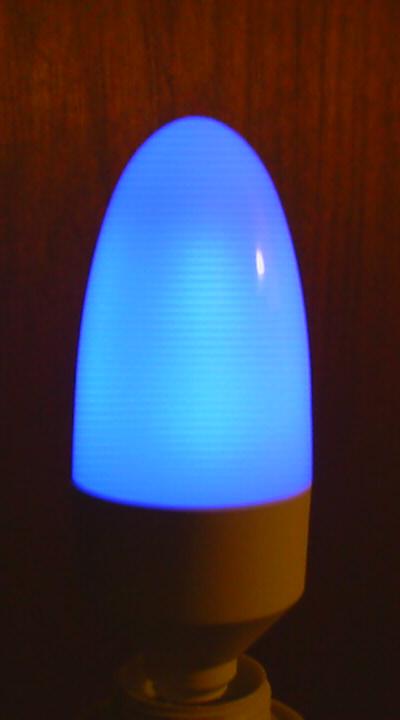
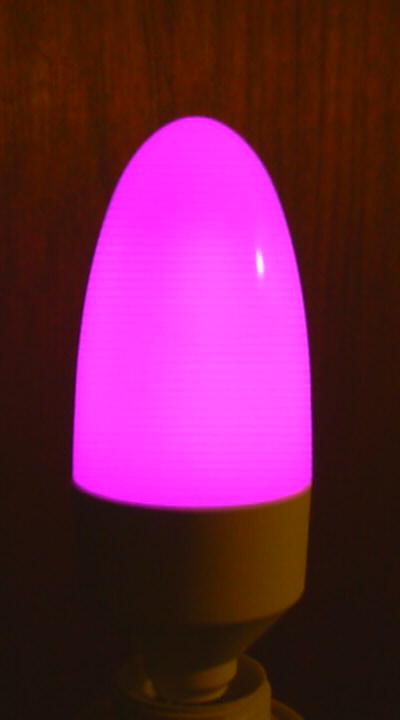
the_hue cycle begin hue the_hue set "Candle" end
If you're a bit of a hobbyist or maker, and just want
to experiment, this may be what you're looking for. The language is designed
to "scale down", and be especially easy to use for simple actions with
your lights. If you're more advanced, you might enjoy developing your own
set of scripts to create the perfect lighting environment and access them
from your phone's web browser.
- Simple syntax allows you to get started quickly.
- Intuitive, built-in support for bulbs, strips
(Beam, Lightstrip, Neon), and matrix devices
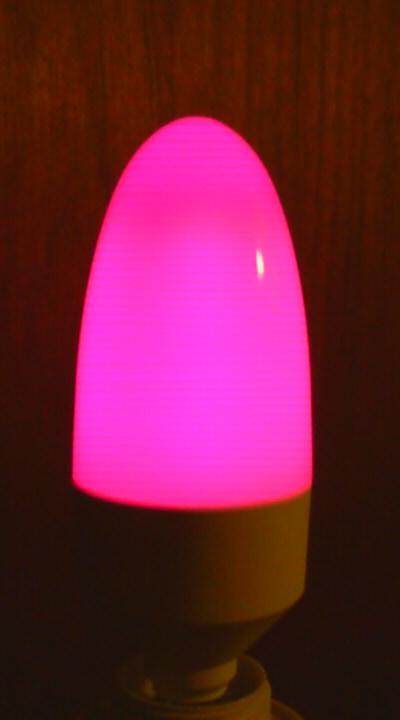
(Candle,
Tube,
Luna).
- Python-based, runs on macOS, Windows, Linux (including Raspberry
Pi).
- Simple access to the lights by name, group or location.
- Works with native HSB or human-friendly RGB color space.
- Convenient model for interval-based timing of commands.
- Specialized loop constructs simplify implementation of lighting
effects.
- Easy-to-use support for constructing and running scripts from
within a Python app.
- Compiled language and virtual machine for efficient use of
compute resources.
- Multi-threaded design allows concurrent execution of multiple
scripts.
Set all the lights to a bright orange, wait 5 seconds, and turn
them to an intense purple.
hue 90
saturation 90
brightness 90
kelvin 2700
set all
time 5 hue 280 set all
Darken each light by 10% of its current brightness while keeping
the same color.
repeat all as the_light
begin
   get the_light
   brightness (brightness * 0.9)
   set the_light
end
Use RGB color space to set all the lights in the "Living Room"
location.
units rgb
red 50
green 75
blue 75
set location "Living Room"
The scripting language has the ability to turn lights on or off, set
their brightness, and control their color. It can use a timed delay or
wait for a keypress between each action.
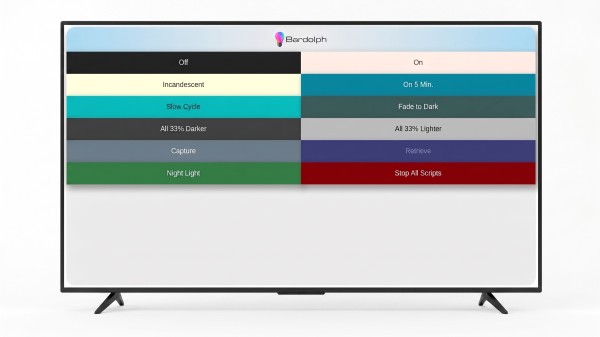
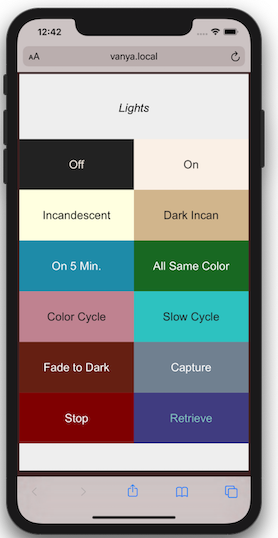
With a set of useful scripts, you can run a local web server for the purpose
of executing them. Rather than using a platform-specific app, you will
be able to control your lights with any device attached to your WiFi
network that has a basic web browser.
Under normal conditions, the web
server can run on an inexpensive computer like a Raspberry Pi.
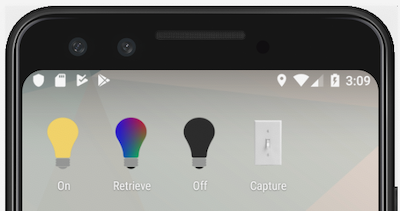
With the a 1:1 mapping between a script and its URL, you can launch
a script immediately through a bookmark or home screen shortcut, which
for common actions can be more convenient than navigating an app.
Head over to the
installation page
for instructions on how to install and run the application. If you would
like more information, please see the
complete documentation.
In all our years of writing code, we've never had a bug, but hey,
there's a first time for everything.